
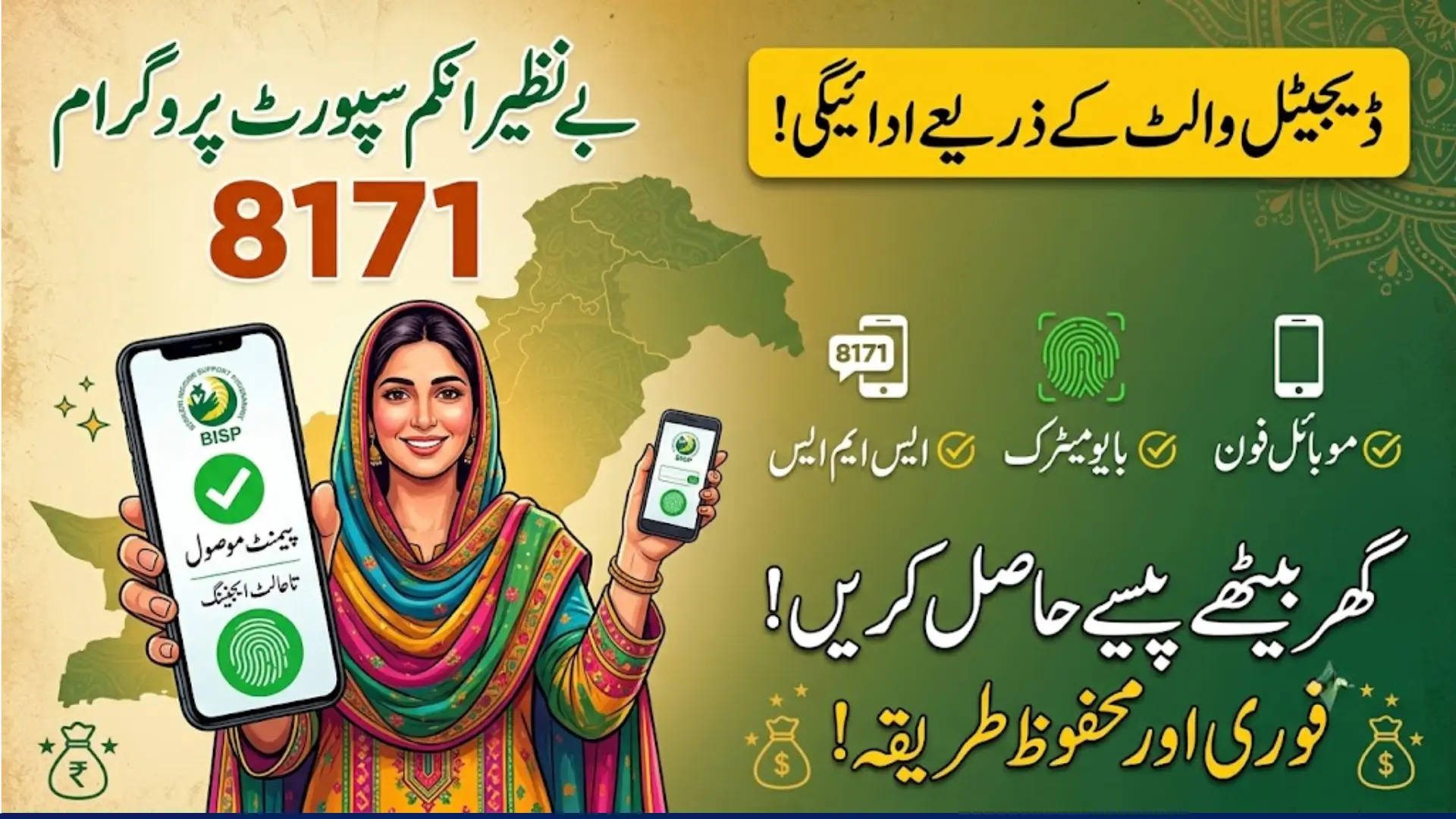
The Benazir Income Support Programme (BISP) has introduced a modern digital wallet payment system to make financial assistance safer, faster, and more transparent for eligible women across Pakistan. Instead of relying entirely on traditional cash distribution methods, beneficiaries can now receive their quarterly payments directly through approved digital banking partners linked with their registered mobile numbers.
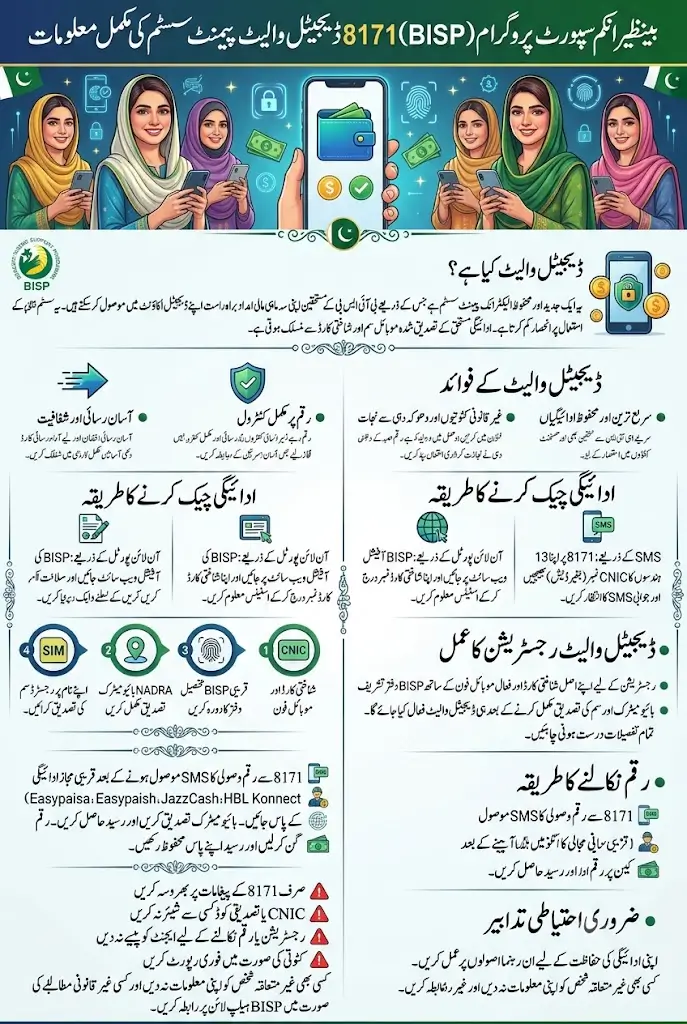
This new payment system is designed to reduce delays, prevent illegal deductions, and give beneficiaries greater control over their funds. Whether you want to check your payment, register your mobile SIM, or understand how the digital wallet works, this complete guide explains everything in simple language.
What Is the BISP 8171 Digital Wallet System?
The BISP Digital Wallet is an electronic payment system that allows eligible beneficiaries to receive their quarterly financial assistance directly into a secure digital account. Each wallet is connected with the beneficiary’s verified CNIC, biometric record, and registered mobile SIM.
You can also read: BISP 8171 Digital Wallet Payment Verification
The primary goal of this system is to improve transparency while reducing dependency on physical cash distribution centers. It also minimizes fraud and enables women to access their payments through authorized banking partners whenever funds are released.
Latest Update on BISP 8171 Digital Wallet Payments
BISP has started expanding digital payment services by working with multiple banking and financial service providers. Beneficiaries will gradually receive payments through digital wallets after completing their verification process.
According to the latest official updates:
- Payments are linked with biometric verification.
- Only verified mobile SIMs can be connected to digital wallets.
- Official payment notifications are sent only from 8171.
- Online transfers through supported services remain available.
- Beneficiaries should complete all verification steps to avoid payment delays.
Who Can Receive BISP Digital Wallet Payments?
The digital wallet facility is available for eligible women already registered under the Benazir Income Support Programme after successful verification.
Generally, beneficiaries should meet these requirements:
- Be registered under BISP.
- Possess a valid Computerized National Identity Card (CNIC).
- Complete NADRA biometric verification.
- Register an active mobile SIM in their own name.
- Successfully complete verification through BISP.
Meeting these conditions helps ensure smooth payment processing without interruptions.
How to Check BISP 8171 Digital Wallet Payment Status
Checking your payment status is simple and can be done through official BISP channels.
Method 1: SMS 8171
Send your 13-digit CNIC number (without dashes) to 8171.
You will receive information regarding:
- Eligibility status
- Payment availability
- Verification status
- Registration updates
Method 2: Online BISP Portal
Visit the official BISP portal and enter your CNIC to check:
- Payment status
- Registration details
- Eligibility confirmation
- Latest payment updates
Always use official BISP platforms to avoid scams.
You can also read: BISP Will Introduce Digital Wallets
How to Register for the BISP Digital Wallet
If your wallet has not yet been activated, follow these official steps.
Registration Process
- Visit your nearest BISP Tehsil Office.
- Carry your original CNIC.
- Bring your active mobile phone.
- Complete biometric verification through NADRA.
- Verify your registered mobile SIM.
- Wait for confirmation from 8171.
After successful verification, your digital wallet will be linked with your registered mobile number for future payments.
You can also read: 8171 School Wazifa Check Online
Documents Required for Registration
Keep the following documents with you before visiting the BISP office:
| Required Document | Purpose |
|---|---|
| Original CNIC | Identity verification |
| Registered Mobile SIM | Wallet activation |
| Mobile Phone | SMS notifications |
| Biometric Verification | Identity confirmation |
| BISP Registration Record (if applicable) | Eligibility verification |
Having complete documents helps speed up the registration process.
BISP Digital Wallet Payment Partners
BISP is working with several authorized financial institutions to provide secure payment services.
Current payment partners include:
- HBL Konnect
- JazzCash
- Easypaisa
- Bank Alfalah
These institutions help beneficiaries receive funds safely while improving accessibility across Pakistan.
How to Withdraw Money from Your Digital Wallet
Once your payment has been deposited into your digital wallet, you can withdraw it using an authorized payment service.
The general process includes:
- Receive payment confirmation from 8171.
- Visit the nearest authorized payment agent or banking outlet.
- Present your original CNIC.
- Complete biometric verification if required.
- Receive your payment receipt.
- Count your money before leaving the counter.
Always keep your receipt until your payment is confirmed.
Important Safety Guidelines for Beneficiaries
Protecting your payment is just as important as receiving it.
Follow these safety tips:
- Trust SMS messages only from 8171.
- Never share your CNIC details or verification code with anyone.
- Do not pay agents for registration or payment collection.
- Verify your payment amount before leaving.
- Report any illegal deductions immediately.
- Keep your registered SIM active.
Following these simple precautions can help protect you from fraud and unauthorized deductions.
Common Problems and Their Solutions
Some beneficiaries may face issues during payment or registration. Most problems can be resolved through official procedures.
| Problem | Solution |
|---|---|
| Payment not received | Check status through 8171 |
| Biometric verification failed | Visit NADRA or BISP office |
| Mobile SIM not verified | Register SIM in your own name |
| CNIC expired | Renew CNIC before verification |
| SMS not received | Confirm registered mobile number |
If the issue continues, contact the official BISP Helpline for assistance.
You can also read: BOP BISP Cash Withdrawal Limit Check
Best Practices for Receiving BISP Payments
Following a few good practices can help ensure a smooth payment experience.
- Update your CNIC before it expires.
- Keep your mobile number active.
- Complete biometric verification promptly.
- Visit only authorized payment centers.
- Save all payment receipts.
- Verify payment details before leaving the agent.
These habits reduce delays and improve payment security.
Frequently Asked Questions (FAQs)
How can I check my BISP digital wallet payment?
Send your 13-digit CNIC number to 8171 or check your status through the official BISP online portal.
Which banks are providing BISP digital wallet services?
Current payment partners include HBL Konnect, JazzCash, Easypaisa, and Bank Alfalah.
Do I need biometric verification?
Yes. NADRA-based biometric verification is required for secure payment processing and wallet activation.
Which SMS number is official for BISP?
Only 8171 is the official SMS service for BISP notifications and payment updates.
What should I do if someone deducts money from my payment?
Immediately report the issue to the official BISP Helpline and avoid dealing with unauthorized agents.
Final Words
The BISP 8171 Digital Wallet Payment System is an important step toward making financial assistance more secure, transparent, and convenient for eligible families in Pakistan. By linking payments with verified mobile SIMs, biometric authentication, and trusted banking partners, the system helps reduce fraud while ensuring beneficiaries receive their funds safely.

You can also read: Rehmat Card Apply Online Web Portal
To avoid payment delays, beneficiaries should keep their CNIC valid, complete biometric verification, register an active mobile SIM in their own name, and rely only on official BISP communication through 8171. Following these official guidelines will help you receive your quarterly BISP payments smoothly and securely.